A simple step-by-step guide to install PosterGenius on Linux (Ubuntu)
First of all you have to download our .deb package. The package for the moment is available for internal purposes only. But if anyone out there wants to try our early release of PosterGenius for Linux please let me know.
PosterGenius for linux will be available for free. Stay tuned, we will make it available to the public very soon.
DownloadDownload .deb package and save it in your hard drive.
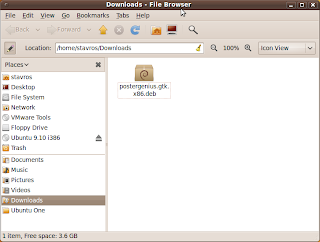 Launch gdebi installer
I suggest the more user-friendly gtk version. Start a ternimal and type
sudo gdebi-gtk
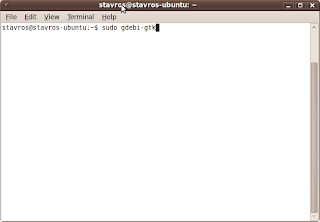
The package installer will follow:
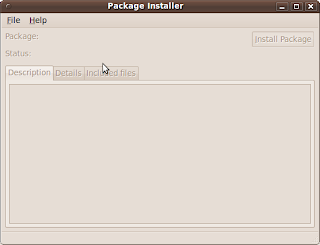 Point to .deb package
Use installer's File menu and point to .deb package of PosterGenius
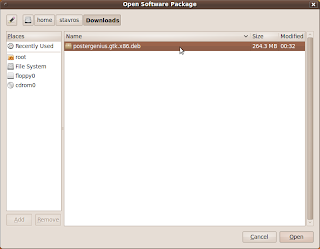
Select PosterGenius .deb package and click "Open"
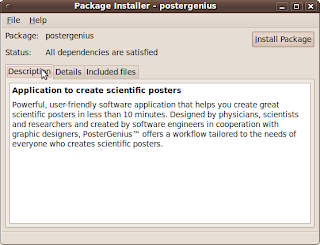
Click "Install Package"
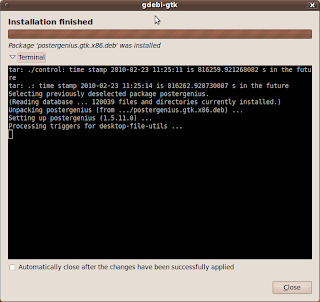
Click "Close"
Launch PosterGeniusPosterGenius entry is available at "Applications > Graphics > Postergenius".
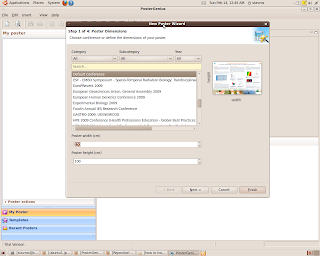
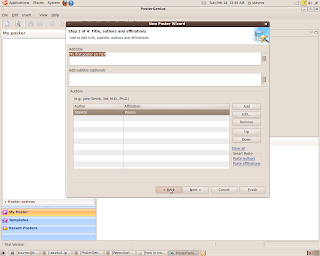
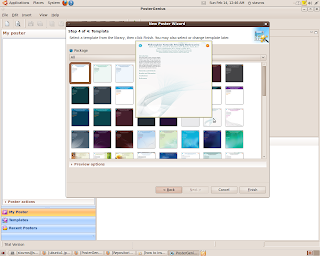
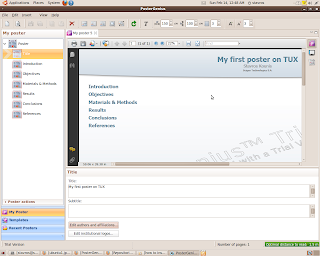
PosterGenius Screenshots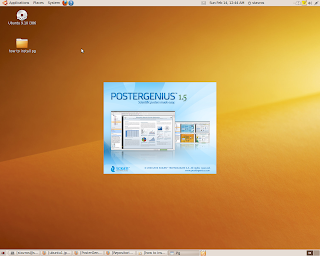
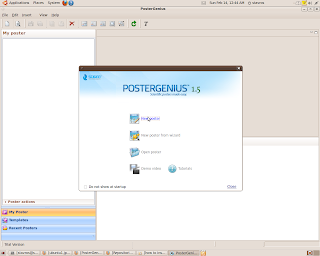
 This blog-post as poster
Download this article as poster or/and pdf print friendly format. Both was created with PosterGenius for Linux
Install PosterGenius on Linux with no tears - Poster (pdf)
Install PosterGenius on Linux with no tears - print friendly (pdf)


 Launch gdebi installer
 The package installer will follow:
 Select PosterGenius .deb package and click "Open"
 Click "Install Package"
 Click "Close"


